
Where the practice happens
On the practical weekends you are not sitting in a classroom, you are working in a studio. The control room, the recording space and the signal path together create the environment in which what you have learned starts to make sense.
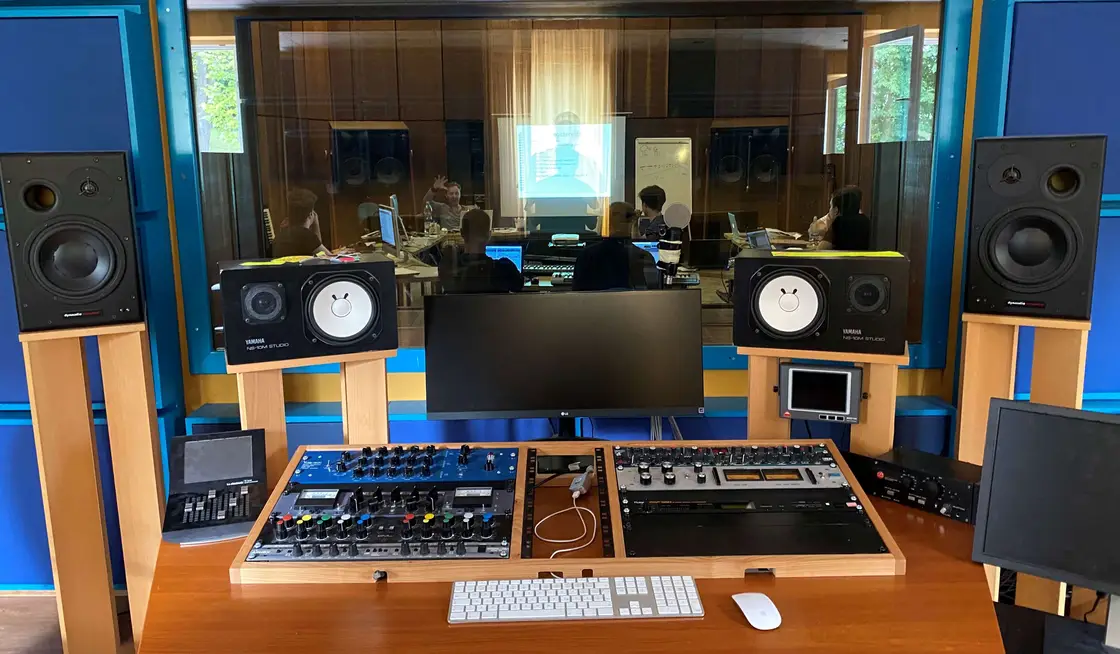
We do not use the studio as a showroom. On the practical weekends the participants work in it: they set up the microphones, they start the recording, and they make the decisions during the mix. The teacher is there to ask, suggest and correct — but does not take the work out of your hands.
That is also why practical work runs in small groups: twelve people cannot do meaningful work in a studio at the same time; five or six can.
What we use the studio for
- 01
Recording exercises
Microphone choice, positioning, multi-microphone setups and the phase questions that come with them — in practice.
- 02
Mixing in a reference room
You listen back to your decisions in controlled acoustics on known monitors — something home listening cannot replace.
- 03
Systems and signal flow
Patchbay, preamps, converters, monitor paths. We follow the signal through and find where it usually goes wrong.
- 04
Teamwork
A studio day has roles. You learn how the session leader, the engineer and the assistant work together.
What the venue provides
We do not publish an exact equipment list, because the setup can vary from one weekend to the next. What stays constant:
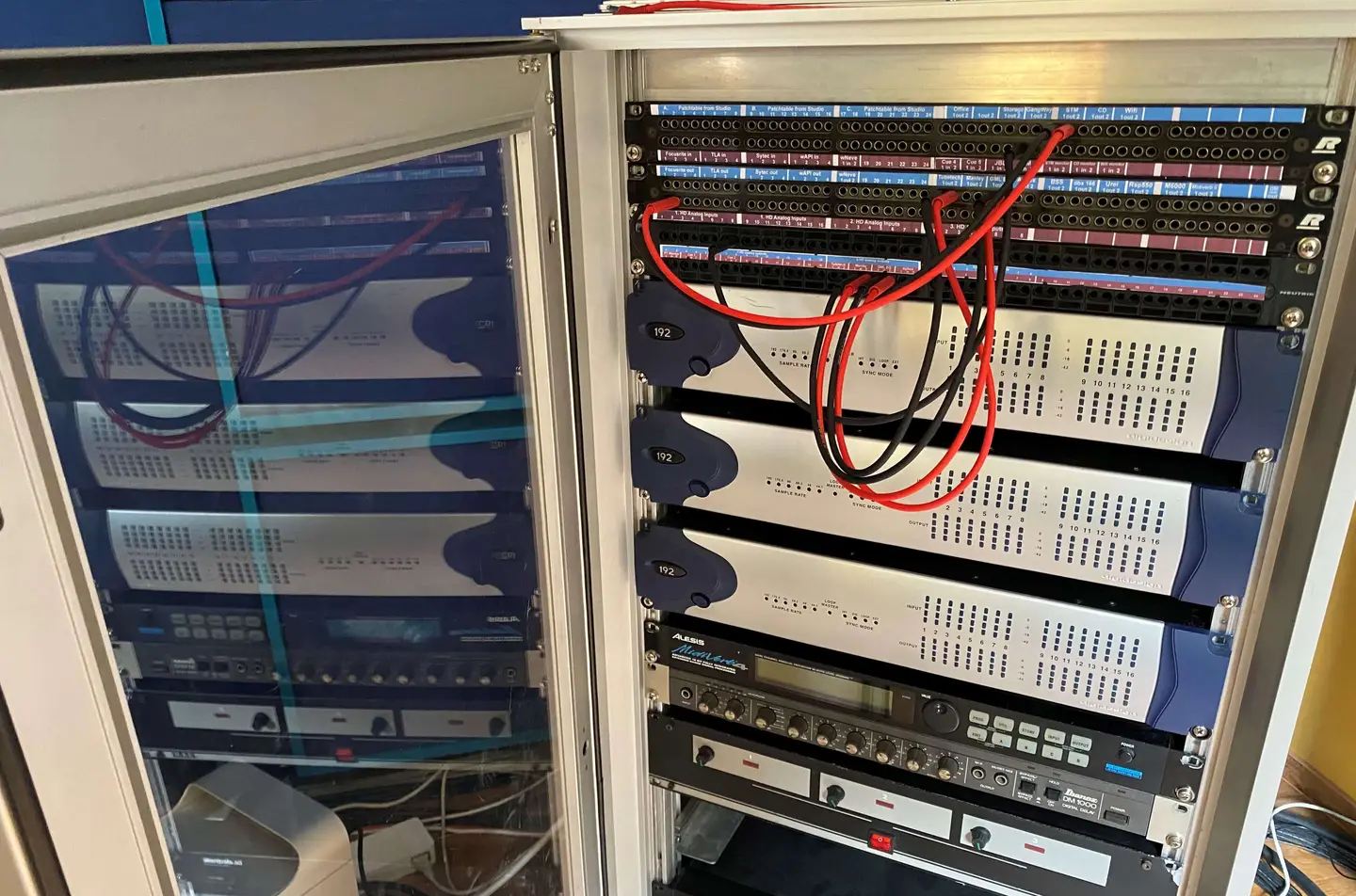
- A
Control room
Reference monitoring, analogue outboard and the complete signal path that goes with it.
- B
Recording space
A separate recording room with sight lines through glass to the control room, so communication works while recording.
- C
Workstations
Several workstations with audio interfaces, so the group can practise in smaller sub-groups at the same time.
How a studio day runs
Preparation
Building the session, checking the signal path, setting up monitoring. An untidy session always comes back to bite you later.
Setup
Choosing and positioning microphones, tuning the approach to the room and the instrument.
Recording
Several takes, with notes and playback in between. The goal is not a perfect first take but usable material.
Review
Listening back together and assessing it professionally: what worked, what could be done differently.
The studio in pictures
Would you like to see the place?
Ask about a personal visit, or look through the image gallery and the earlier live streams.