
Basic Concepts: DAW
The groundwork: how sound behaves, how to hear what is happening, and how a digital studio is put together.
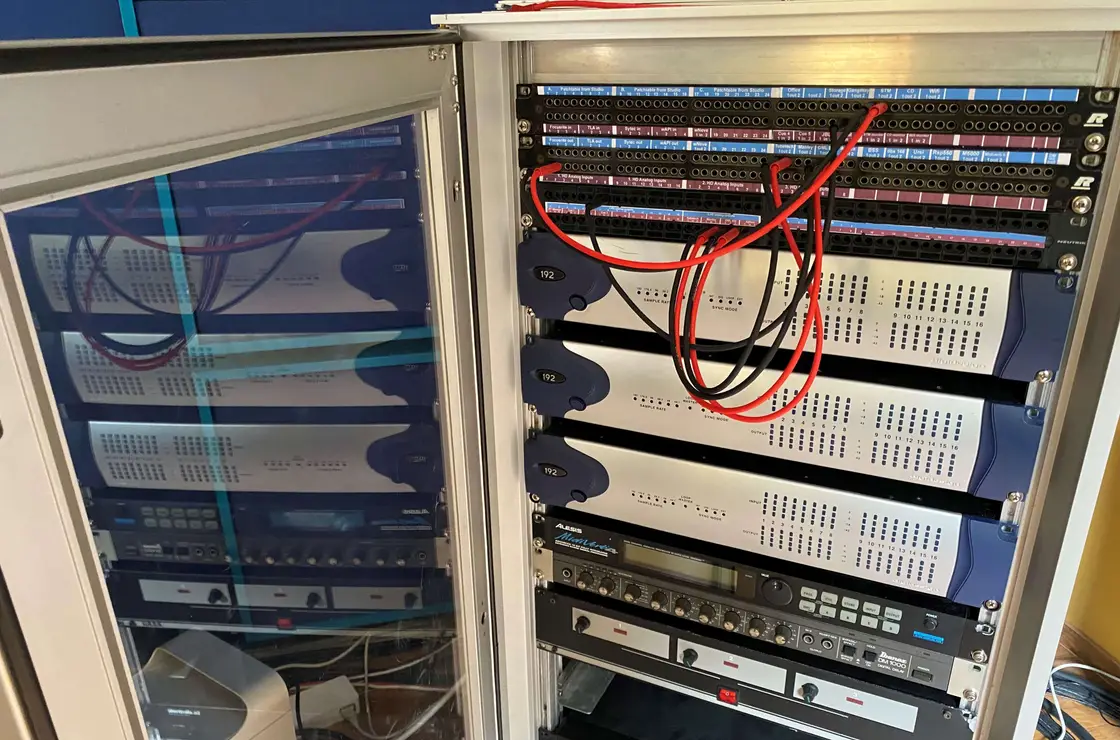
Everything later in the course depends on this module. Mixing decisions are guesses until you know what gain structure does; microphone choice is a lottery until you can hear the difference a room makes.
The ear-training work runs throughout rather than as a single lesson. It is the slowest skill to build and the one that separates a technician from an engineer, so it starts here and continues across every module.
Pro Tools is introduced as a tool, not as a subject in itself. What matters is that the software stops being an obstacle: you can build a session, route it correctly and find your way around it without thinking about the menus.
Curriculum
Acoustic and audio fundamentals
- Sound as a physical event — frequency, amplitude, phase
- Level, gain and headroom
- How a room affects what you record
- Reading the vocabulary of the profession without guesswork
Ear training
- Recognising frequency ranges by ear
- Hearing distortion, clipping and noise
- Identifying phase problems
- Building a listening routine you can repeat
Analogue and digital principles
- Sample rate and bit depth, and what they actually change
- Conversion, latency and clocking
- Analogue levels versus digital full scale
- When analogue and digital behave differently
Signal flow and studio systems
- From microphone to loudspeaker, stage by stage
- Preamps, patchbays and converters
- Monitor paths and cue systems
- Finding a fault by following the signal
Pro Tools foundations
- Session structure and file management
- Recording, playback and editing basics
- Routing, busses and inserts
- Keeping a session tidy enough to hand over
What you will be able to do
- Explain what happens to a signal at each stage of the chain.
- Set gain sensibly instead of by trial and error.
- Build and navigate a Pro Tools session with confidence.
- Hear and name common problems rather than only sensing that something is wrong.
Practical components
On the practical weekend this module is where the signal path is traced on real equipment: patching, checking, and deliberately breaking a chain to find the fault.